CONTENT
- Creating a request
- Approval Process
- Save the form in PDF format
- Tutorials on other possible request settings
Creating a request
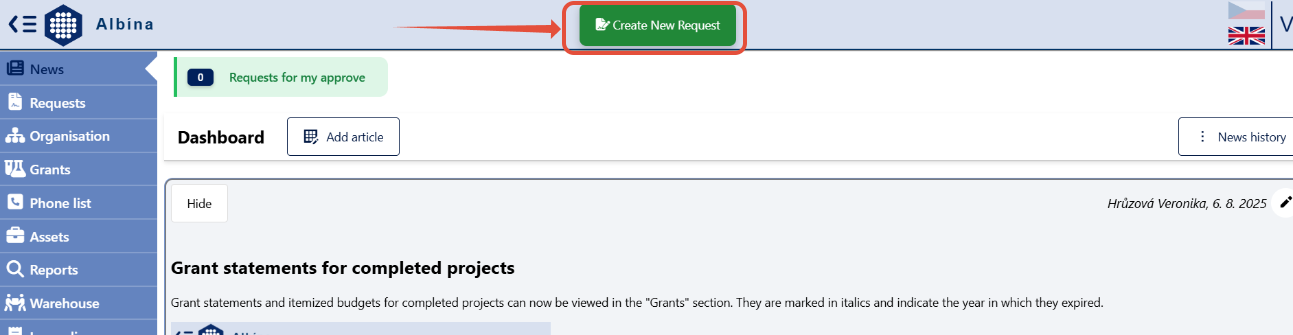
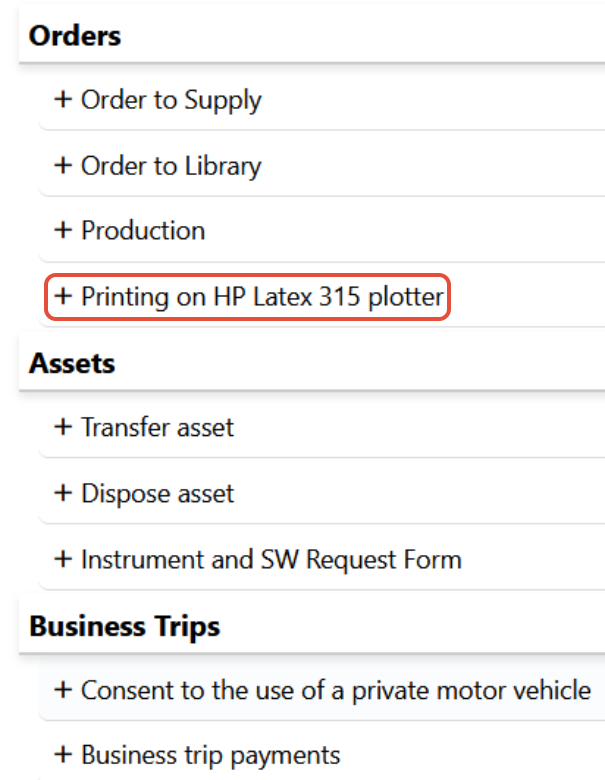
The form will appear after clicking on "Create New Request" in the Albína header and selecting the type of request Orders -> Printing on HP Latex 315 plotter.
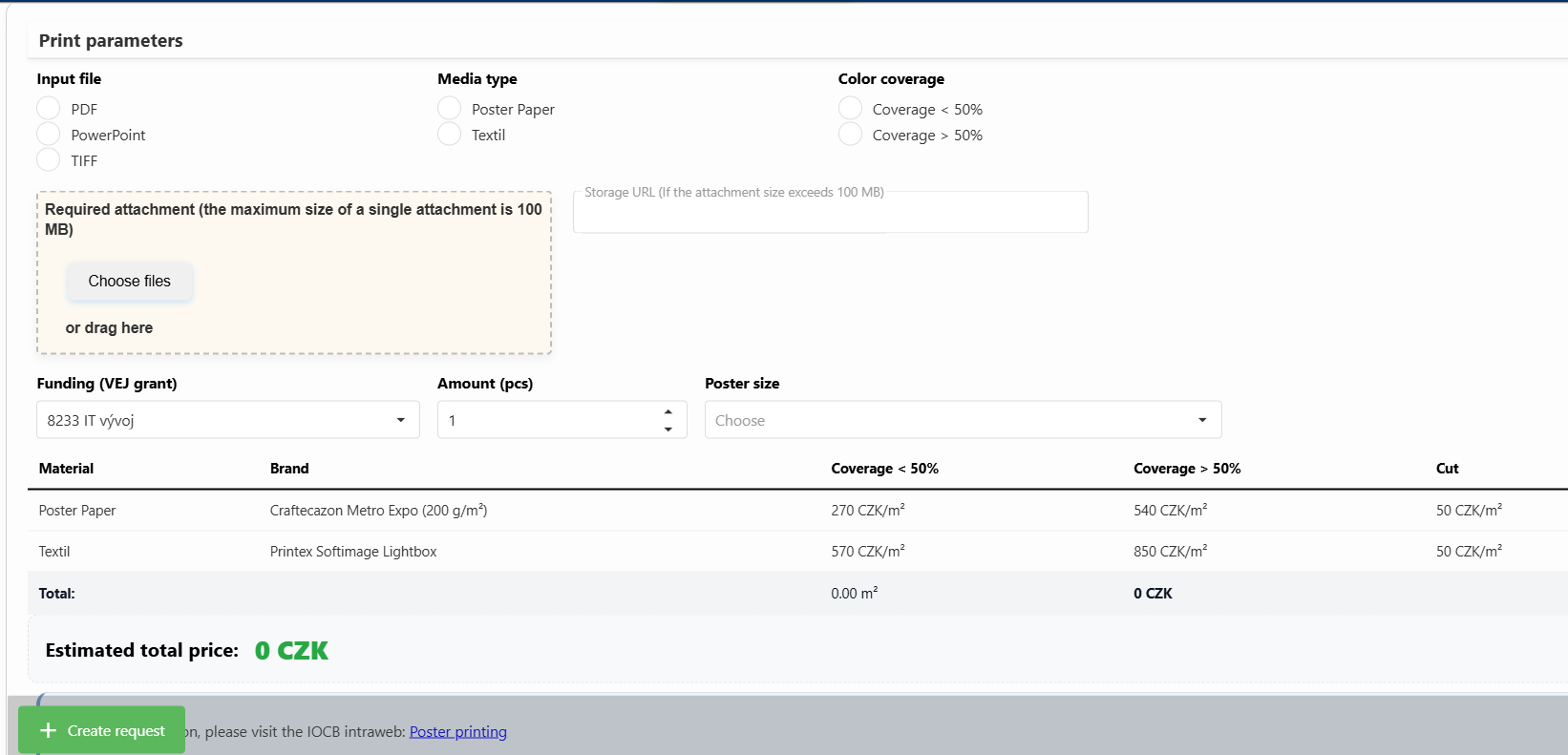
Fill in the print parameters, the number and dimensions of the poster, date -by when should the printing be finished, upload an attachment or enter a link to a file storage service, and click +Create Request.
Note: You may attach only one document in TIFF, PPT, or PDF format, with a maximum size of 100 MB. Do not upload larger attachments; instead, save them in the file repository and provide a link here where the document can be downloaded.
The funding source—VEJ grant—is filled in automatically based on the applicant’s department.
After creating the request, review all information and submit it for approval.
Approval Process
The request is first approved by the IT staff member responsible for reprographics and then by the applicant’s department head.
More information about plotter printing can be found on the intranet.
Save the form in PDF format
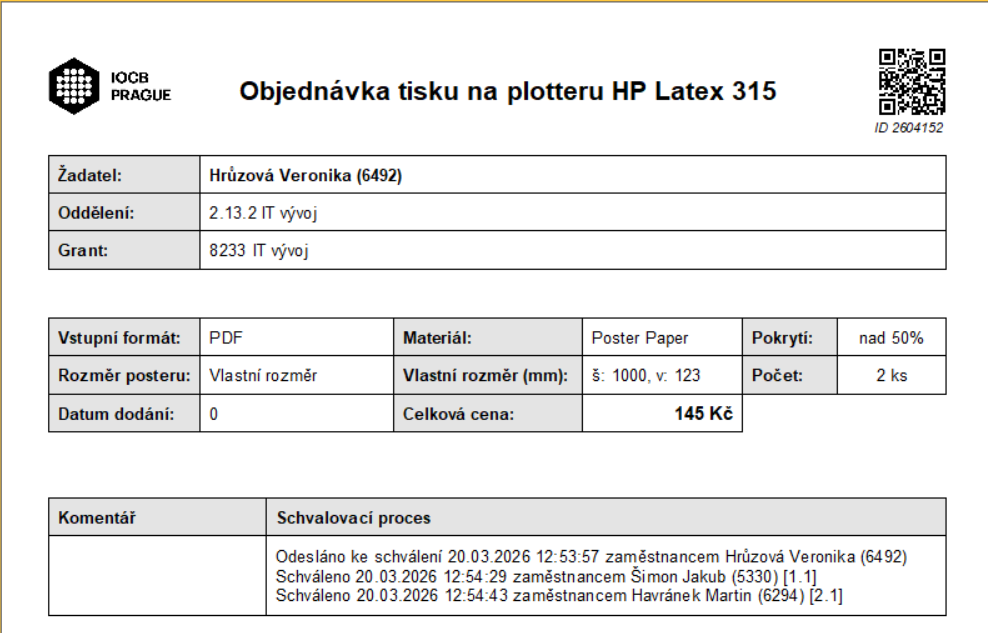
The form can be saved in PDF format by clicking the "Export to PDF" button found in the Request Detail (after opening the request in the employee's request list).