CONTENT
Creating a request
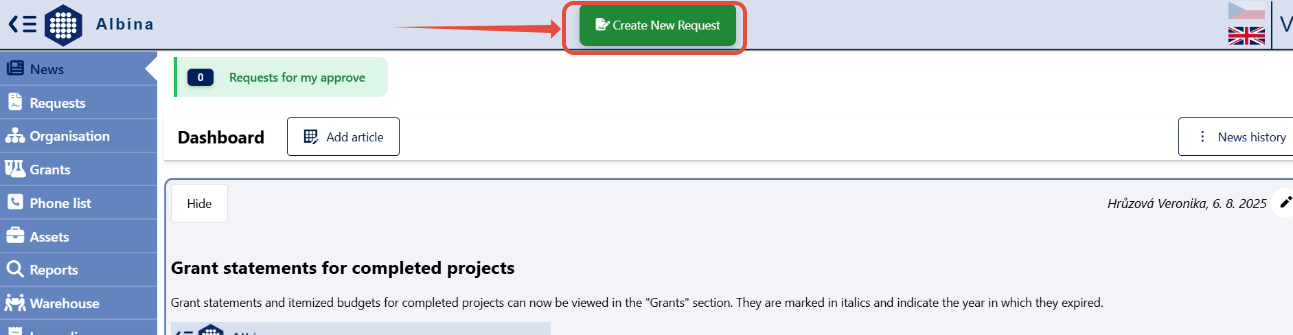
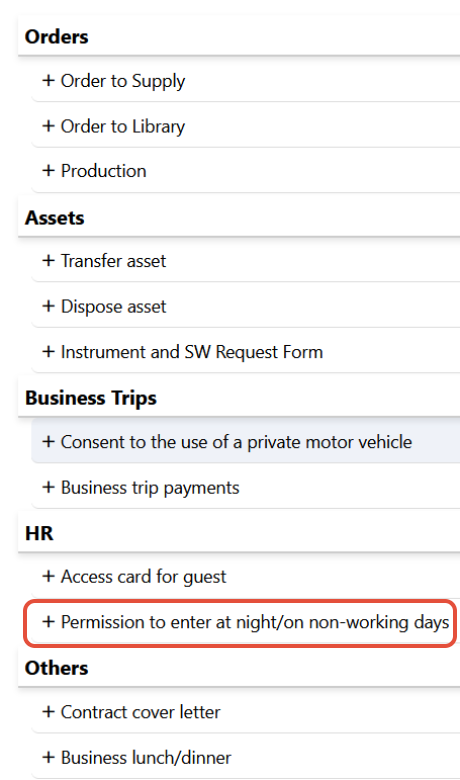
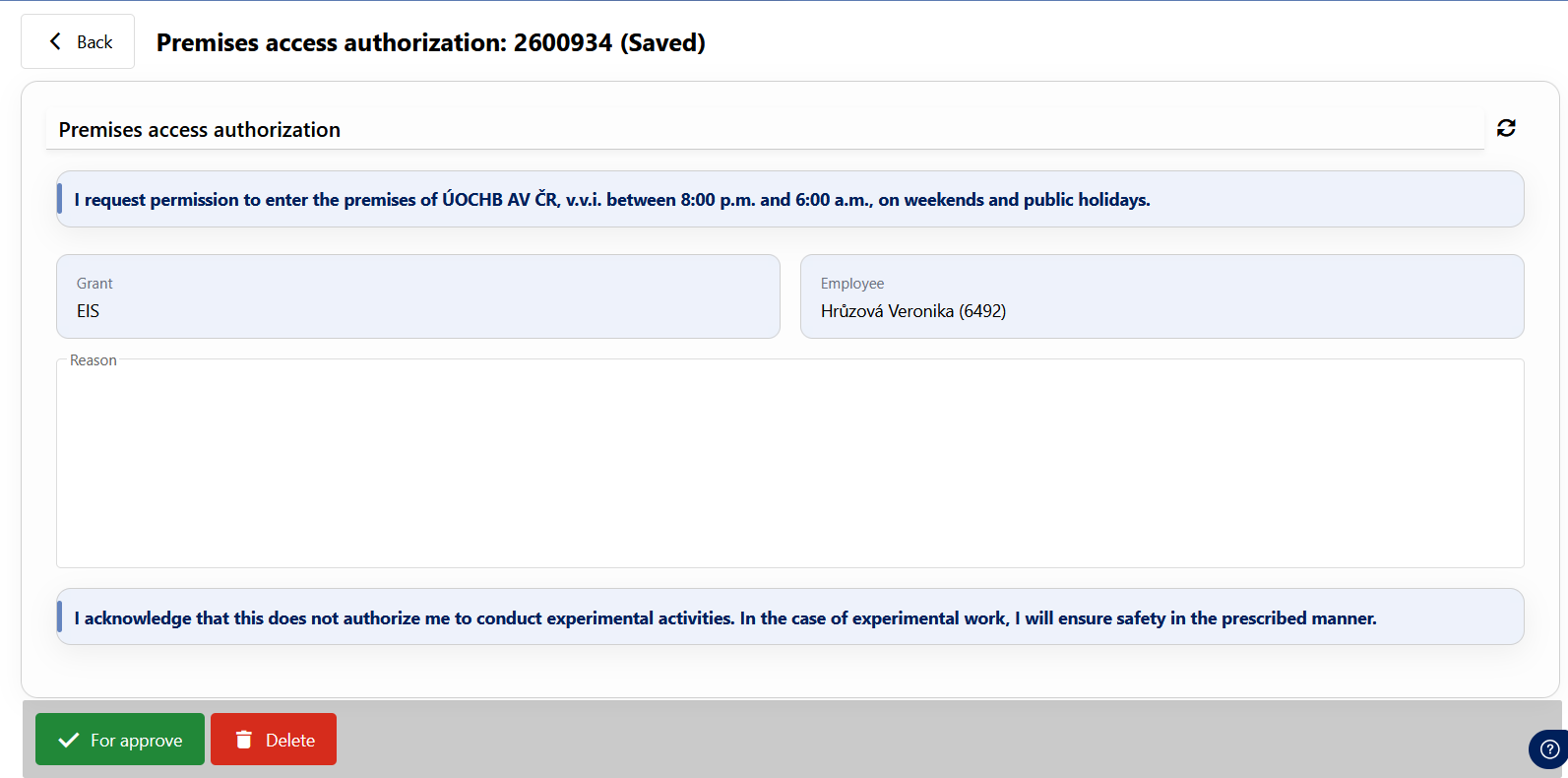
The form will appear after clicking on "Create New Request" in the Albína header and selecting the type of request -> Permission to enter at night/on non-working days.
Click on +Create request,
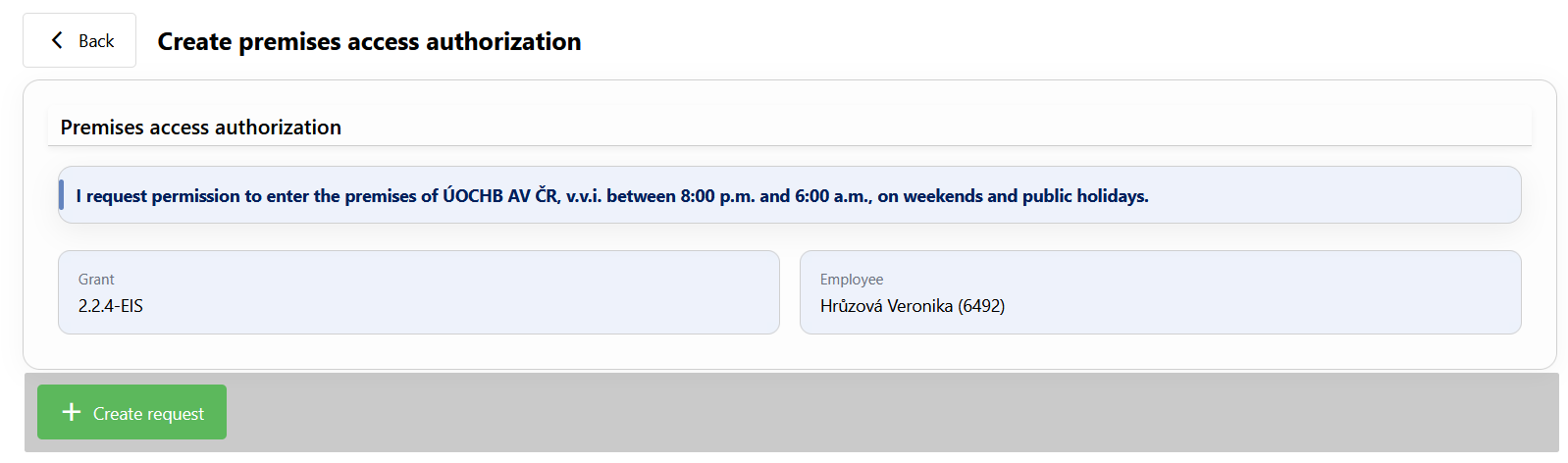 fill in the reason for the request, and submit it for approval.
Once your request has been approved, the required access will be set on your access card.
Save the form in PDF format
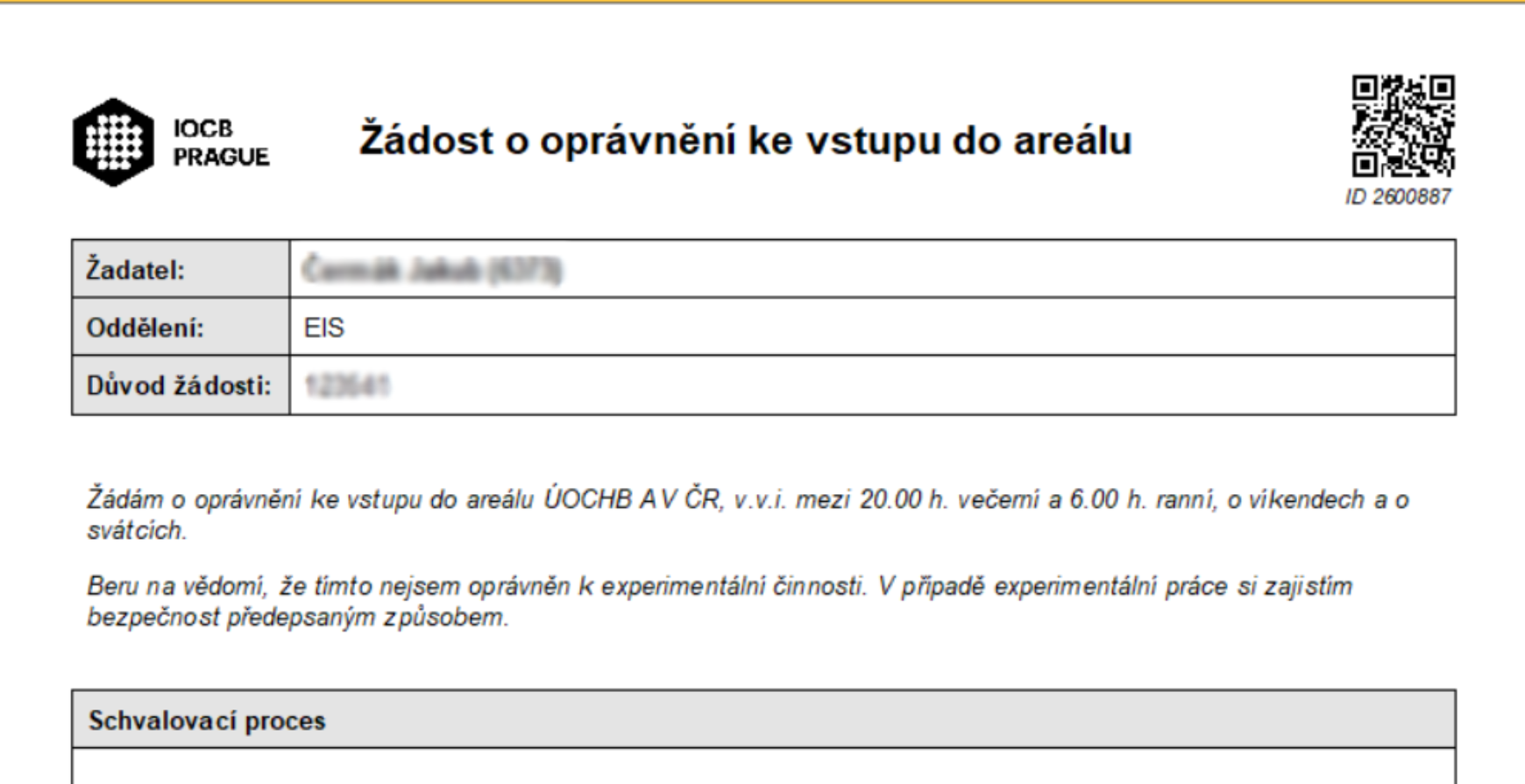
The form can be saved in PDF format by clicking the "Export to PDF" button found in the Request Detail (after opening the request in the employee's request list).